

Common Problems SurveyHeart Solves for NGOs
The everyday headache on the left. The simple fix on the right.
What NGOs Create with SurveyHeart
Start with one of these or build your own from scratch.
Start with a Free Template
Choose a ready-made template, edit the questions and share it in minutes.




Why NGOs Choose SurveyHeart
Mobile app, QR code sharing, WhatsApp delivery and simple exports. Built for how ngos actually work.
Works on any phone, no account required
Community members and volunteers just open the form link and fill it on their phone. No app to install, no account to create. This removes the biggest barrier for grassroots outreach.
Share at events with a QR code
Print a QR code for your camp, community gathering or notice board. Participants scan with any phone camera and the form opens instantly.
Send to community groups on WhatsApp
Share your form link directly through WhatsApp in one tap. Reach volunteers and community members in the groups where they are already active.
Organised responses ready for reporting
See response charts for every question. Export all data as CSV, Excel and PDF for donor reports, internal reviews or program planning.
How it Works
From building your form to having your data. Four steps.
Create
Choose a template or build from scratch. Add your questions in the web or mobile app in a few minutes.
Share
Send by WhatsApp, display a QR code at your event or drop a link in your community group.
Collect
Volunteers and community members fill the form on any phone. No account needed to respond.
Export
View response charts, browse submissions and download data as CSV, Excel and PDF for your records and reports.
Features that Matter for NGOs
Everything you need. Nothing you do not.
QR code sharing
Every form gets a QR code. Print it for a camp, stick it on a notice board, or display it at a community event. Participants scan and fill without typing a URL.
WhatsApp sharing
Tap to send your form as a pre-filled WhatsApp message. Works for volunteer groups, community networks or individual outreach.
File upload questions
Let respondents attach photos, scanned documents or ID copies. Useful for beneficiary intake, volunteer ID verification or field photo collection.
Response charts and analytics
Every question gets a chart automatically. Browse individual responses, search by name and filter by date to find what you need fast.
Export to CSV, Excel and PDF
Download all responses any time. Useful for donor reporting, program audits, or sharing data with your team and partners.
Mobile app for Android and iOS
Create forms, manage responses and get notified when a new submission arrives, all from your phone. No laptop needed in the field.
Quick Facts for NGOs
NGOs, nonprofits, local groups and community teams that need a low-friction way to collect volunteer signups, beneficiary details, program registrations or community feedback from people who may only have a phone.
- Volunteer registration form
- Beneficiary intake form
- Program registration form
- Community feedback survey
- Donation inquiry form
- Event participation form
All responses can be exported as CSV, Excel and PDF from the responses section.
Nothing. Volunteers and community members open the form link or scan a QR code and fill it in any browser with no account required.
When you need scored awareness or training quizzes for your community, use Quizzory at quizzory.in instead.
- Respondents (volunteers, community members, beneficiaries) do not need a SurveyHeart account to fill your form.
- Export formats are CSV, Excel and PDF only. Direct sync to spreadsheet apps is not available.
- SurveyHeart can collect donation interest and contact details through a form, but it does not process payments or accept donations directly.
- Need scored awareness or training quizzes? Use Quizzory at quizzory.in.
- File uploads are limited to 4 per form on the free plan and unlimited on paid plans.
How NGOs Use it in Practice
Real examples from everyday situations.
Volunteer signup for a community drive
An NGO running a tree-planting drive shares a volunteer signup form via their WhatsApp community group. Volunteers fill in their name, location and availability on their phone in under a minute. The coordinator sees all signups in the response view and exports the list as a spreadsheet before the event.
Beneficiary intake at a health camp
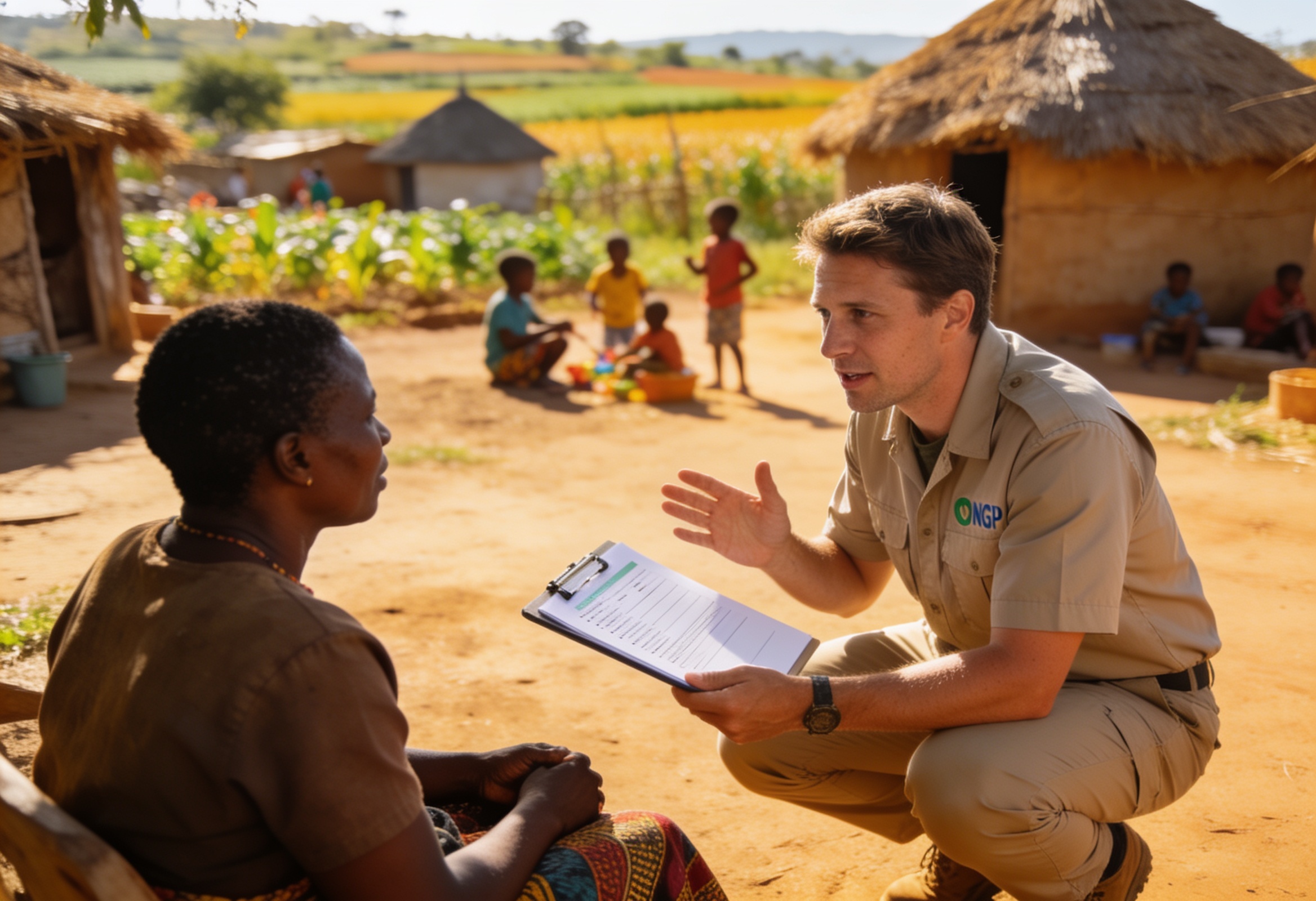
A health-focused nonprofit creates a beneficiary intake form with name, age, location and health concern fields. Field staff open the form on their phones at the camp and fill one record per person they meet. All data lands in one organised list that the team exports at the end of the day.
Donation inquiry for a fundraiser
A nonprofit running a fundraiser creates a donation interest form asking supporters to indicate the amount they would like to contribute and their preferred contact method. The form collects interest and contact details only; the team follows up separately to process the actual donation. SurveyHeart is not a payment gateway.
Community feedback on a local program
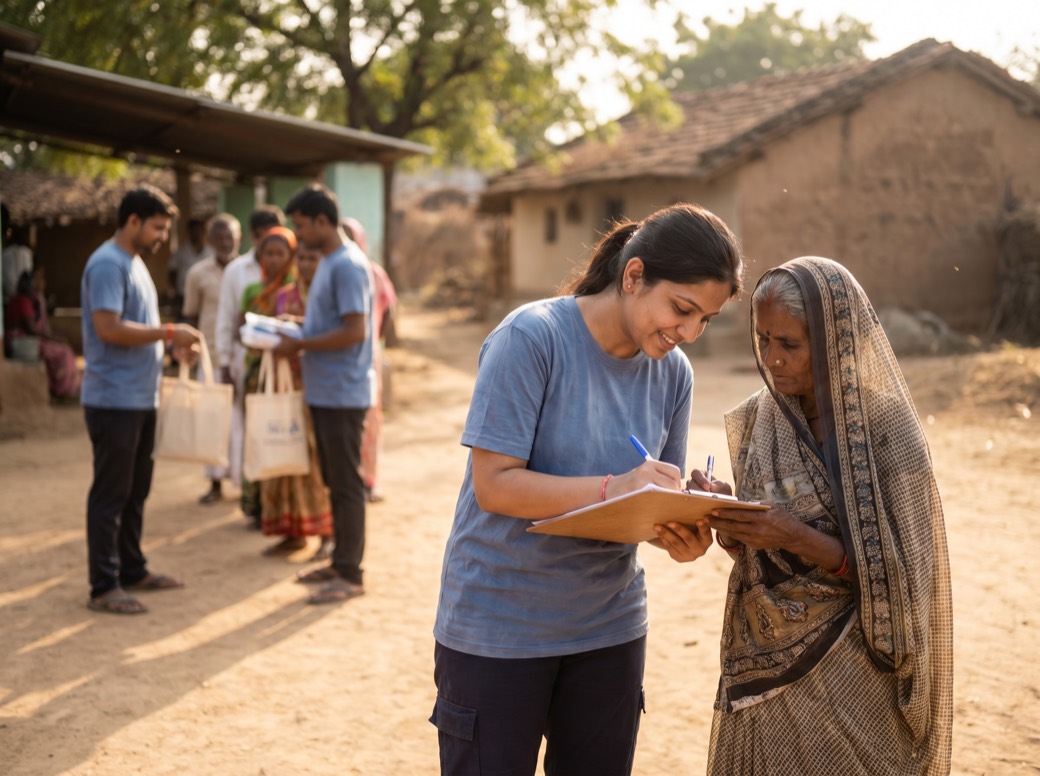
A community group running an adult literacy program shares a feedback survey by QR code at the end of each session. Participants scan and rate the session on their phones. The coordinator views the response charts each week to understand what is working and what to improve.
SurveyHeart for NGOs: What You Need to Know
SurveyHeart is a free form and survey builder that NGOs, nonprofits, local groups and community teams use to collect volunteer signups, beneficiary details, program registrations and community feedback. Creating a form takes a few minutes. Once published, share it as a QR code at a camp or event, or send it through WhatsApp to your community groups. Respondents fill the form on any phone with no account or app required, which is critical for grassroots outreach where many community members have only a basic smartphone. Responses land in one organised place. You can view charts for each question, browse individual submissions, search by name and export everything as CSV, Excel and PDF for donor reports, program reviews or internal tracking. The SurveyHeart mobile app for Android and iOS means field staff can create and manage forms without a laptop. For awareness quizzes, training checks or community engagement quizzes with scoring, use Quizzory at quizzory.in. Donation inquiry forms let you collect interest and contact details from supporters; SurveyHeart does not process payments. The free plan gives you unlimited form responses, 100 templates and all the core sharing features with no time limit, making it a genuine fit for budget-conscious nonprofits.
Frequently Asked Questions
How can NGOs collect volunteer signups online?
Create a volunteer registration form on SurveyHeart and share the link by WhatsApp, QR code or email. Volunteers fill the form on any phone or browser without creating an account. All signups appear in the responses view and can be exported as CSV, Excel and PDF.
Can community members fill forms without an account?
Yes. Anyone who receives your form link or scans the QR code can fill and submit the form directly in their browser. They do not need to create a SurveyHeart account or install anything.
What forms does an NGO need?
Common forms for NGOs include volunteer registration forms, beneficiary intake forms, program registration forms, community feedback surveys, donation inquiry forms and event participation forms. SurveyHeart has templates for all of these.
Can I create a free program registration form?
Yes. SurveyHeart is free with no time limit. You can create a program registration form, share it and collect unlimited responses on the free plan. Advanced features like conditional logic and custom thank-you pages are on paid plans.
Can NGO survey responses be exported?
Yes. From the responses section you can export all submissions as CSV, Excel and PDF any time. These formats work well for donor reports, internal reviews and team sharing.
Can I collect donations through SurveyHeart?
SurveyHeart forms can collect donation interest and contact details, for example asking supporters how much they would like to contribute and how to reach them. SurveyHeart does not process payments. You will need to follow up separately to handle the actual donation. Think of it as a donation inquiry form, not a payment gateway.
Can I share forms by QR code at community events?
Yes. Every SurveyHeart form gets a QR code. Print it, stick it on a notice board or display it on a screen. Participants scan with any phone camera and the form opens straight away.
Can I run an awareness or training quiz for my community?
Scored quizzes with auto-grading are handled by Quizzory, a dedicated quiz product at quizzory.in. You build the quiz there, share it with your community and Quizzory scores each submission automatically. SurveyHeart is for data collection forms, not scored quizzes.
Start Creating Forms Today
Free to use. Unlimited responses. No account needed for respondents.