
Service Booking Form
A service booking form lets customers choose a service, pick a date and time, and give you their contact details in one go. This free template suits home services, repair shops, cleaning companies and any trade that takes job bookings and needs the details upfront.
check_circleFree, unlimited responses, no login for respondents
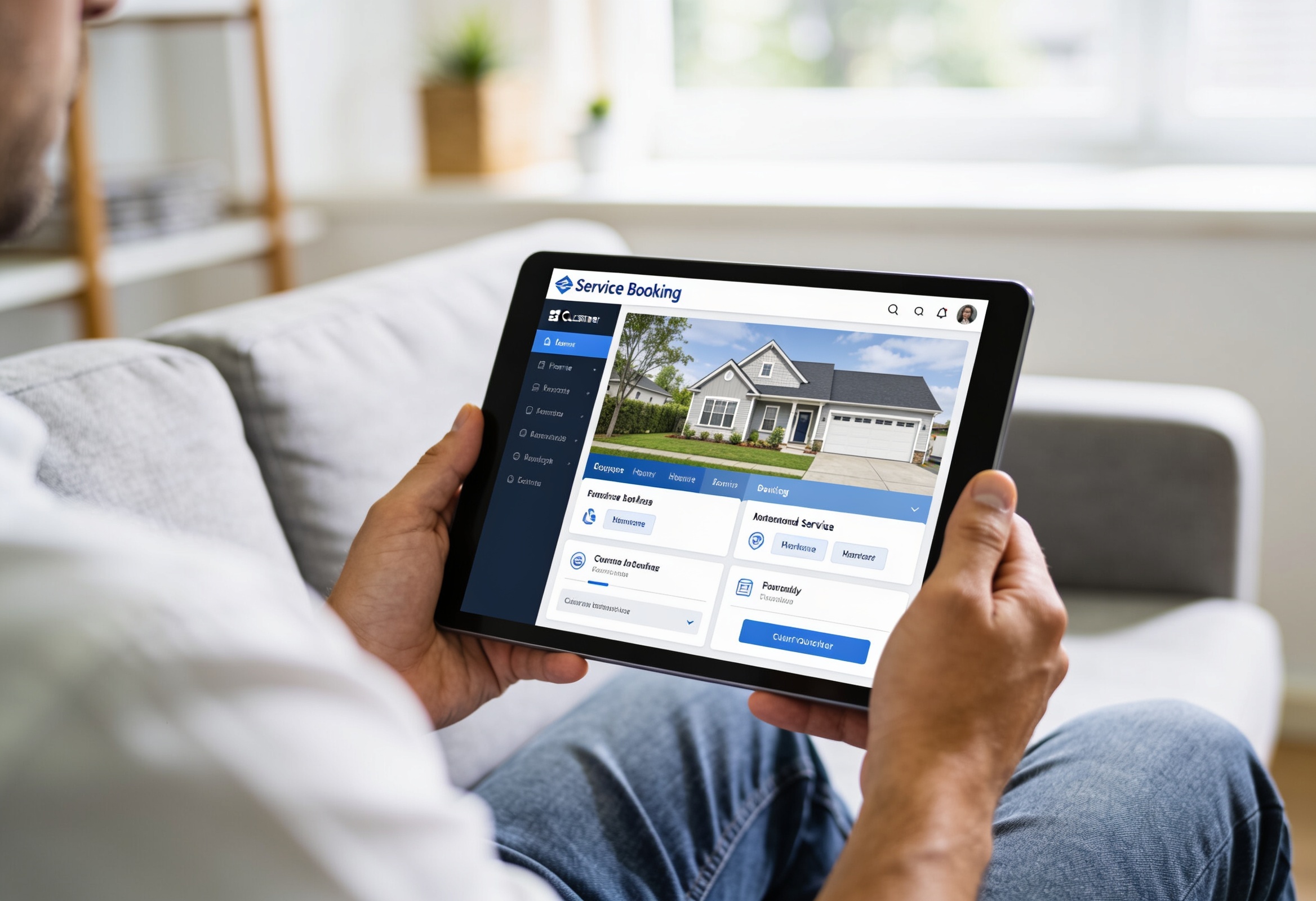
What is inside this template
Ready-made questions you can keep, edit or remove.
Who uses the service booking form
How to use this template
From template to live form in four steps.
Click Use This Template to load it straight into your free SurveyHeart account.
Change the wording, add or remove fields and set what is required. No design work needed.
Send it by WhatsApp, email or QR code. Respondents fill it on any device, no app or login.
See answers in real time and export to Excel, CSV and PDF whenever you want.
Related templates



A service booking form replaces missed calls and messy WhatsApp threads with a clean, organised queue of jobs. Customers pick the service they need, choose a date and slot, and leave you their address and any notes, all in one place. Share the link on Google Business, your website or a printed flyer QR code. Every booking lands in SurveyHeart in real time so you can plan your schedule and export the week's jobs to a spreadsheet in one click.
Frequently asked questions
Yes. The template and SurveyHeart's free plan are free with unlimited responses.
Yes. Edit the service dropdown to list exactly what you offer.
No. They just open the link and fill the form on any phone or computer.
Yes. Turn on push notifications in the SurveyHeart mobile app so you get alerted on your phone the moment a client books.
Use the Service Booking Form now
Free plan, unlimited responses, no time limit.